Last updated: 24 November 2026, 9:10 AM IST. Based on Google's Search Console data anomalies page and on a new Google Search Central document of 12 November 2026, "Identify Google Search traffic in your web analytics or server logs." This post is dated 13 November 2026.
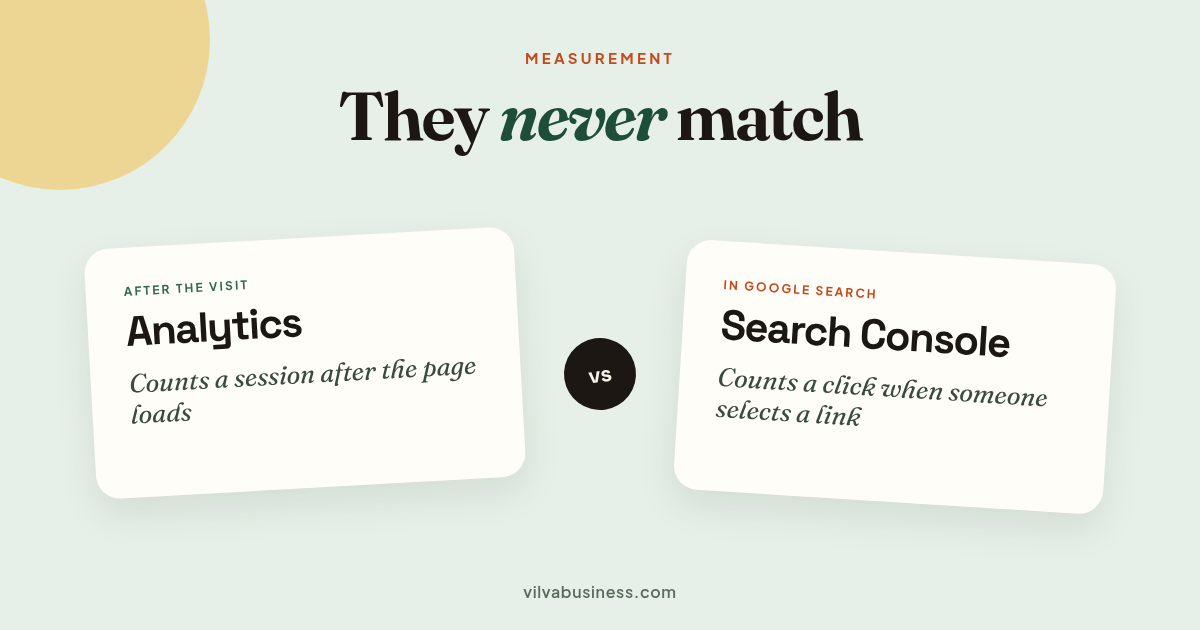
Short answer: Google Analytics (GA4) and Search Console measure different things, and Google now says the numbers often will not match one to one. Search Console counts a click when someone selects a link in Google Search. GA4 counts a session only after your page loads and its tracking code runs. Some Google visits arrive with a blank Referer and show up as Direct. A separate logging error also undercounted impressions in Search Console's Generative AI performance report for 9–11 November 2026 at the time of writing. Trust Search Console for clicks from Google, and trust analytics for what people did after they arrived.
First, a current data issue: AI impressions for 9–11 November
On 12 November 2026, Google added this note to its Search Console data anomalies page: "A logging error caused a decrease in impressions on the Generative AI performance report in Search for data from November 9 – November 11, 2026. This issue affects data logging only." Search Console now shows an annotation on that report, as also reported by Search Engine Roundtable.
The dates overlap the start of the November 2026 core update on 10 November. Do not read a dip in AI impressions on those three days as a real fall in how often your pages appeared in AI Overviews or AI Mode, and do not mix it up with the core update. At the time of writing, Google has not said whether the missing impressions will be filled in later. A similar logging error affected the same report from 13–17 August 2026; on 21 August, Google said that missing data had been restored. Until a similar update appears, treat the 9–11 November AI impression figures as undercounted at the time of writing. Our post on Search Console's generative AI report explains how that report works when the data is complete.
Google's new explanation of why the numbers never match
On 12 November 2026, Google published a Search Central document, Identify Google Search traffic in your web analytics or server logs (last updated 12 November 2026 UTC). It explains how to recognise Google Search visits in analytics or server logs by looking at the HTTP Referer header, the note a browser sends to say which site the click came from. Google also confirmed that this data often does not match Search Console click counts one to one.
Google Search uses an "origin" referrer policy, so the Referer contains only the scheme and host, such as https://www.google.com/, with no path and no search query. To see which queries brought people to your site, use the Performance report in Search Console. The values to look for are:
- Google Search on the web: https://www.google.com/ or a local Google domain. Google's examples are google.co.uk and google.co.jp. For a search in India, a local domain in the same pattern is https://www.google.co.in/.
- The Google app on Android: android-app://com.google.android.googlequicksearchbox/https/www.google.com when the app opens the link in a browser tab, or https://www.google.com/ (or a local Google domain) otherwise.
- The Google app on iOS: https://www.google.com/ or a local Google domain.
A parser that only looks for addresses starting with https:// will miss the Android app value. Google also notes that Discover and Google Images use the same Referer values, so a match on these patterns is not limited to classic web-search clicks.
Why Google traffic can show as Direct in GA4
Even though Google sends an origin Referer, the browser or phone can still drop it. Google lists four common cases: private browsing and anti-fingerprinting protections; opening results in a new tab, in some browsers; moving from a native mobile search widget to an external browser; and visits from people with privacy extensions or strict browser settings.
A visit with no Referer has no source to report. Most analytics tools, including GA4, file those sessions under Direct, alongside typed addresses and bookmarks. That is why Organic Search in GA4 is often lower than Search Console clicks. The same pattern is one reason traffic from other AI tools can also land in Direct, which our post on tracking ChatGPT visitors in GA4 discusses.
Google also lists other reasons the totals diverge: blocked analytics scripts, redirects that replace or strip the Referer, Search Console recording the click while analytics records the visit only if the page finishes loading, and Search Console counting only organic clicks while GA4 may include Google Ads traffic. If Google traffic is missing or appears as referral or Direct, Google says to check custom channel rules, referral exclusions and filters.
Which number should you trust?
Use each tool for what it actually measures. Search Console is the figure to trust for how many people clicked a link to your site in Google Search, and for the queries that produced those clicks. GA4 is the figure to trust for what those people did on your site. Server logs can fill a gap that JavaScript tags miss, because the server records the request even when a tracking script never runs. None of the three should be forced to equal the others. Our post on whether AI search traffic is worth it is a reminder to read referral and Direct numbers similarly.
How to compare the two reports without getting misled
- Check Search Console for clicks. In the Performance report, export clicks, impressions and queries for the period you care about. If you are looking at AI Overviews or AI Mode, use the Generative AI performance report — and read the note above about 9–11 November before you react to a dip there.
- Check GA4 Organic Search for sessions. In GA4, look at sessions where the source is Google and the medium is organic — visits that arrived, loaded, and were recorded by your tracking code.
- Expect GA4 to be lower, because some visits have no Referer and show as Direct. A gap is normal. Google says the two sources often do not match one to one. Before you assume a tracking fault, remember the blank-Referer cases above.
- For server logs, match google.com, local Google domains and the Android app referrer, landing pages only. Count only requests for the landing pages themselves. Requests for images, CSS and JavaScript will show your own page as the Referer and inflate the total.
- Check the Search Console data anomalies page before reacting to sudden dips. If impressions or clicks fall sharply, look at Google's data anomalies page first. A logging error can make a report look worse than the underlying performance. The 9–11 November AI impression figures are an example: undercounted at the time of writing.
Frequently asked questions
Why is my Search Console AI impressions number low for 9–11 November 2026?
Google confirmed a logging error that caused a decrease in impressions on the Generative AI performance report in Search for data from 9–11 November 2026. The issue affects data logging only. Those figures were undercounted at the time of writing. Google may later restore them, as it did after a similar error on 13–17 August 2026. Do not treat a dip on those days as a real fall in AI visibility.
Why does Google traffic show as Direct in GA4?
Browsers and phones can drop the Referer for privacy and security reasons — for example in private browsing, some new-tab opens, a jump from a mobile search widget to a browser, or with privacy extensions. Google set this out in its 12 November 2026 document. Visits with no Referer are usually filed as Direct.
Which number should I trust?
Trust Search Console for clicks from Google Search, and trust analytics for what visitors did on your site. The two will often not match, and Google says that is expected.
Want help making sense of a gap between Search Console and GA4?
Vilva's digital marketing work includes analytics and Search Console reporting through GrowthOS. Contact us if you want a calm reading of a gap between the two. We will not invent a single "correct" traffic number, and this post uses no figures from our own sites. Vilva Business (Vilva Networks) is based in Kodungaiyur, Chennai.