Last updated: 20 November 2026, 9:10 AM IST. Based on Google's Tag Manager release notes of 17 November 2026, Google's help pages on the unification and on supported installations, and coverage on 17–18 November by Search Engine Roundtable and Search Engine Land.
Short answer: On 17 November 2026, Google posted a Tag Manager release note confirming that each Google tag is becoming a Tag Manager container. Sites that today use only the Google tag will be able to use Tag Manager's interface-based tagging, debugging and version control. Google says this upgrade will not change the in-page behaviour of existing Google tags. What does change is how new snippets are written — they will no longer include the gtag('config') command — and, for what Google calls an "unsupported installation," an upgrade is scheduled for January 2027. The steps below are what to check with your web or analytics team, so lead and sales tracking does not quietly change.
What Google announced on 17 November
In August 2026, Google published a help page, "Updates to Google tag and Google Tag Manager," describing the unification. On 17 November 2026, a Tag Manager release note titled "Google tag and Google Tag Manager unification" confirmed the rollout. Search Engine Roundtable reported the note the same day; Search Engine Land followed on 18 November.
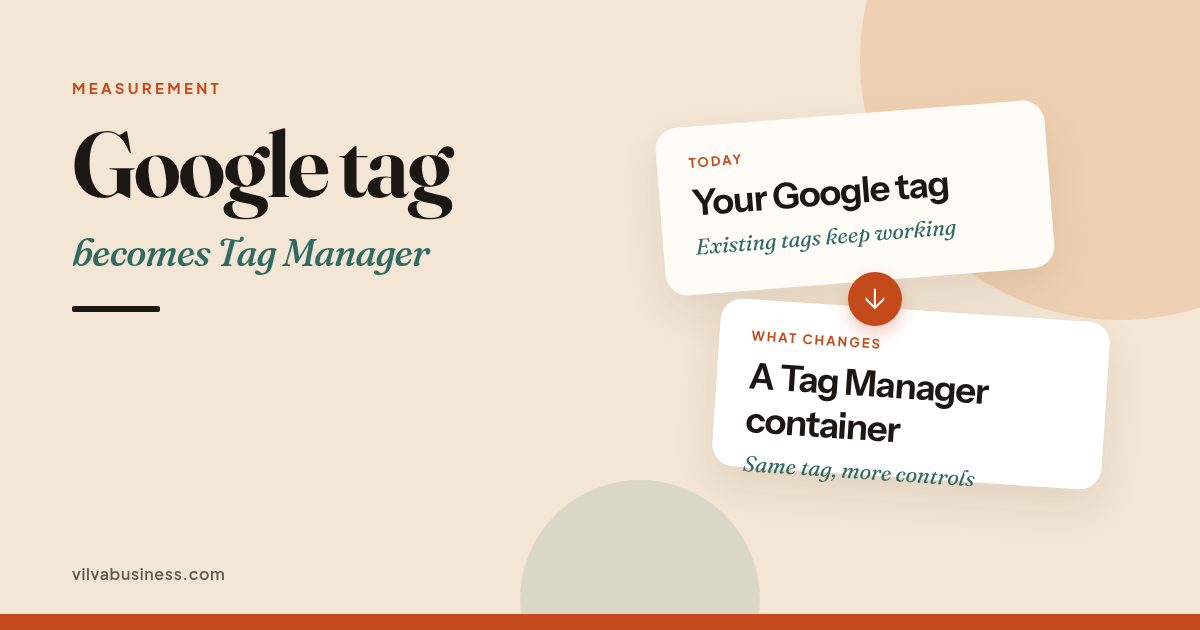
Google's wording is: "We're bringing all the capabilities of Google Tag Manager to the Google tag. With these upgrades, each Google tag becomes a Tag Manager container." Websites that only use the Google tag "will have the ability to use Tag Manager's interface-driven tagging features, debugging, and version control." Each Google destination keeps its own tag, "preserving your existing setup and triggers for automation events." Access to data in Tag Assistant will now be managed through the Tag Manager container permissions you already use.
What does not change
Google's release note and help page both say the upgrade will not change the in-page behaviour of the Google tags. You should not assume that lead or purchase tracking has already broken, and this post does not claim that any site's tracking has stopped working.
There is also an optional flow to "optimize your Google Tag Manager container." Google says it is recommended, but "no changes will be made automatically, and you can choose whether to adopt the new configuration." If you have edit, approve or publish permission, you can start the flow from an optimisation banner and preview the changes before publishing them. Do not accept that flow without a preview, and do not publish it until you have checked that your key events still fire.
What is changing in new snippets
The 17 November release note says: "With this change, all new deployment snippets will be the same. Additionally, they won't have the gtag config command." Google recommends setting initialisation with Tag Manager's standard Initialization trigger. That trigger can also be set to wait for the config command if you want to keep a legacy setup.
A related help page, "Set up your Google tag installation correctly for gtag.js," adds: "Google Tag Manager (gtm.js) snippets will soon be updated to no longer recognize or wait for any gtag('config') commands." If your pages use a GTM snippet but rely on gtag('config') to pass parameters or configure the tag, Google says you must update the website code to use the correct Google tag (gtag.js) snippet. If you use Tag Manager for other tags, Google's guidance is to keep the main GTM snippet, use your GTM- ID on it, and apply the Google tag settings in the Tag Manager interface. If your developer has added custom settings inside gtag('config'), list those now, before any snippet is changed.
What Google means by an "unsupported installation"
The 17 November release note does not spell out a long public definition. A related help page describes one unsupported implementation in these words: "Some websites currently deploy a non-Google Tag Manager prefixed Google tag ID, such as those starting with G-, AW-, or DC, using a Google Tag Manager snippet path (gtm.js). This is an unsupported implementation, and sites using them may experience unexpected changes to their tag behavior." Google also says users on those containers received an email notification.
The release note then says: "If you have an unsupported installation, you'll receive the upgrade in January 2027, and are advised to adjust your setup before then." This post does not go beyond that wording, and it does not classify any particular website as unsupported.
A checklist to work through with your web or analytics team
Nothing in Google's note says tracking breaks today. The point of this list is to find custom config settings and any unsupported setup before January 2027, and to confirm that leads and sales are still being recorded after any change.
- Find every Google tag ID on your site (GA4, Google Ads). Look in the page source, your tag management tool, and any plugin or theme setting for IDs that start with G- (Google Analytics 4), AW- (Google Ads) or GTM- (Tag Manager), and any other Google tag IDs you use. Note whether each one loads from a gtag.js snippet, a gtm.js snippet, a plugin, or a tag inside Tag Manager.
- Open it in Tag Manager / Google tag settings and read any upgrade or "unsupported" notice. Sign in to Tag Manager, or to the Google tag settings in Google Analytics or Google Ads. Look for an optimisation or upgrade banner, and for any notice about an unsupported installation. Google says people on the unsupported implementation were also emailed. Do not accept an optimisation flow at this stage.
- List custom gtag('config') settings in your code. Ask whoever maintains the site to search the codebase and any tag templates for gtag('config') calls, especially ones that set parameters. Keep a written list. This is the part most likely to need a new home if a new snippet no longer includes the config command, or if a gtm.js snippet stops waiting for it.
- Preview the optimisation and use the Initialization trigger (or the "wait for config" option) to keep legacy behaviour. If you decide to adopt the new configuration, use Google's preview. For initialisation, Google recommends the standard Tag Manager Initialization trigger. If you need to keep a legacy setup, that trigger can be set to wait for the config command. Do not publish until the preview looks right.
- Check that key events and conversions still fire in GA4 DebugView and Google Ads. After any change — and as a baseline before you change anything — confirm that the events you care about still fire. For many Indian businesses that means form or WhatsApp leads, phone clicks and purchases. Use GA4 DebugView and, if you run ads, Google Ads conversion diagnostics or Tag Assistant. If a key event is missing, do not leave the change in place.
- Note the January 2027 date for unsupported setups. If Google has told you that your installation is unsupported, treat January 2027 as the date Google says the upgrade will be applied, and plan the adjustment before then. If you have not had such a notice, still do the checks above, but do not assume you are in that group.
If you later need to confirm that traffic and conversions are being recorded correctly, our notes on ChatGPT visits that appear as Direct in GA4, on the Search Console generative AI report, and on how to check whether a reported ranking drop is real, are a useful starting point. For help with ads conversion tracking or analytics setup, see Digital Marketing and GrowthOS.
Frequently asked questions
Will my existing Google tag stop working?
Google says the upgrade will not change the in-page behaviour of existing Google tags. Each Google destination keeps its own tag. This post does not claim that any site's tracking has already stopped working.
Do I have to move to Tag Manager?
Google is turning each Google tag into a Tag Manager container, so sites that today use only the Google tag will be able to use Tag Manager features. The optional container-optimisation flow is not automatic: Google says you can choose whether to adopt the new configuration, and you can preview it first. Separately, Google says unsupported installations will receive the upgrade in January 2027, and advises adjusting those setups before then.
What happens to gtag('config')?
Google says all new deployment snippets will be the same and will not include the gtag config command. It recommends setting initialisation with Tag Manager's Initialization trigger, which can also be set to wait for the config command if you want to keep a legacy setup. A related Google help page says gtm.js snippets will soon stop recognising or waiting for gtag('config') commands, and that pages which still rely on that pattern should be updated.
Want the tags on your site checked before January 2027?
Vilva's Digital Marketing work includes Google Ads conversion tracking, and GrowthOS includes analytics and lead-tracking setup. Book a demo if you want the tags on your site reviewed. We do not claim that any site's tracking is broken, and we will not change a live tag without a preview and your approval. Vilva Business (Vilva Networks) is based in Kodungaiyur, Chennai.