Last updated: 15 Oct 2026, 4:09 PM IST. Based on reports from Search Engine Roundtable and Profound published on 14 Oct 2026, and Google's Analytics Help pages. OpenAI hasn't commented, and this could change at any time. We'll update this post when it does.
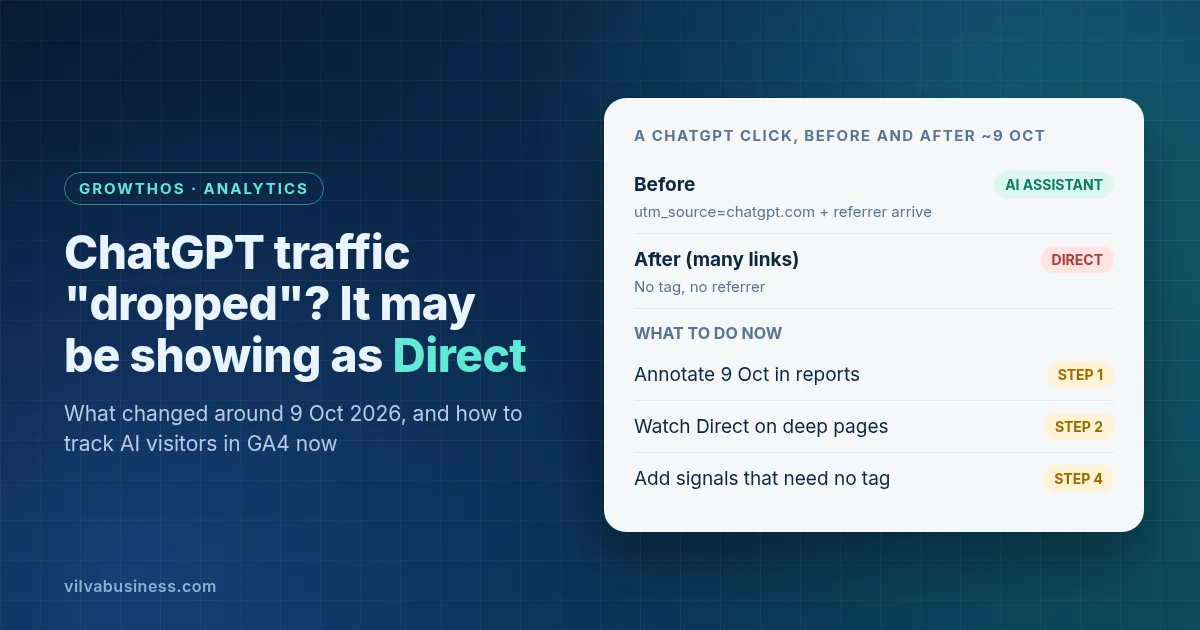
Short answer: Since about 9 October 2026, many links in ChatGPT answers reach websites with no utm_source=chatgpt.com tag and no referrer, so GA4 files those visits under Direct. Your ChatGPT traffic may not have fallen; your tracking has. Annotate 9 October in your reports, watch Direct on deep pages, and measure AI presence with signals that don't depend on a tag.
If your monthly report shows ChatGPT visits falling sharply around 9 October while Direct went up, you're not alone. Here's what was reported, what's still unknown, and how to read and report AI traffic in GA4 from now on.
What changed with ChatGPT links around 9 October?
Two independent reports, both published on 14 October 2026, describe the same pattern:
- Search Engine Roundtable reported that OpenAI "seems to have removed or replaced the UTM parameters it placed on links within the ChatGPT results", apparently starting with GPT-6's release a week earlier. It notes OpenAI added the UTM tracking in June, and says it's "not sure if it was directly intentional" (Search Engine Roundtable).
- Adobe's Cedric Huesler, quoted by Search Engine Roundtable from LinkedIn, said GPT-6 opens links in a way that drops the tag and the referrer: "There's no tag and no referrer, so your analytics files the visit under direct."
- Profound, an AI search analytics company, found that most links shown directly in ChatGPT's new "Intelligent UI" answers were missing
utm_source=chatgpt.com. It said links reached after opening an extra product or information panel sometimes still carried the tag (Profound).
What isn't known: OpenAI hasn't said anything publicly, so we don't know whether this is deliberate, a bug, or temporary. Profound says it expects OpenAI to address it, but has seen no official word on a fix or timing.
How big is the effect?
These are the two companies' own samples, mostly not India-specific, so treat them as a guide to the pattern rather than a forecast for your site:
- Adobe's Cedric Huesler looked at about 500 pages where ChatGPT drove 5% or more of visits, comparing 9–13 October with the week before. ChatGPT visits fell by about 31,000 a day, while Direct rose by about 26,000 a day on the same pages. Search fell 7%, the same as everywhere else (as reported by Search Engine Roundtable).
- Profound found that about 98% of the ChatGPT answers it collected with citations had at least one tagged source link on 8 October. That fell to 75% on 9 October and 66% by 14 October. Over the same days, Intelligent UI went from 2% of its collected answers to 26%, then about 35% (Profound).
Profound's reading: people are still clicking through and buying; what's lost is the information that credits ChatGPT for sending them.
Why does a missing tag send visits to Direct?
GA4 decides where a visit came from using the referrer (the site the visitor clicked from) and any UTM tags on the link. If neither arrives, GA4 can't tell the visit apart from someone typing your address, so it counts it as Direct.
Since 13 May 2026, GA4 has had an AI Assistant channel for referrers that "match a list of AI Assistants", naming examples such as ChatGPT, Gemini, Deepseek, Copilot and Grok (Default channel group). That channel still works when a referrer arrives. It can't catch visits that arrive with nothing.
Two things to keep in mind:
- Past data won't come back. Profound notes that changing tools "cannot recover source information that was never passed with the visit", and that restoring the tags later "would not automatically recover the missing history".
- Google's AI features are separate. Clicks from Google's AI Overviews and AI Mode count as Organic Search in GA4, not AI Assistant (Default channel group). They aren't affected by this ChatGPT change.
How should you track and report AI visitors in GA4 now?
Five steps. Step 1 needs Analyst access or above on the GA4 property, and Step 3 needs Editor access or above.
Step 1: Annotate 9 October 2026 in GA4 and in every report
In GA4, open any report with a line graph, right-click 9 October 2026 on the graph and click Add annotation (About annotations). Give it a title such as "ChatGPT links lose tag and referrer" and click Create annotation. It then shows on every report with a line graph. You need Analyst access or above. Add the same note to any monthly report a client or manager reads, so a fall in ChatGPT visits isn't read as a fall in performance. This is what Profound recommends too.
Step 2: Watch Direct on deep pages, not just the total
In Reports > Acquisition > Traffic acquisition, compare Direct before and after 9 October, then add Landing page as a secondary dimension (Google's guide). People rarely type the address of a deep blog post or product page. If Direct rose on those pages at the same time AI Assistant visits fell, untagged ChatGPT visits are a likely explanation. That's a hint, not proof.
Step 3: Create a custom channel group for assistants Google doesn't list
A custom channel group lets you write your own rule, so you can catch Perplexity and any other tool you care about. It only works when a referrer or tag arrives, so it won't bring back the untagged ChatGPT visits above, but it keeps the AI visits you can still see in one place. Google's help page includes an "AI assistants" example (Custom channel groups):
- Go to Admin > Data display > Channel groups and click Create new channel group. This starts as a copy of the default group.
- Click Add new channel and name it "AI assistants".
- Click Add condition group and set Source, matches regex, with a pattern for the assistants you want. For example:
.*(chatgpt|openai|gemini\.google|perplexity|copilot\.microsoft|claude\.ai|deepseek).* - Click Reorder and drag "AI assistants" above Referral. Google explains that "Traffic is included in the first channel whose definition it matches given the current order of channels in the group."
- Click Save group, then pick your new group as the dimension in Traffic acquisition.
Three notes:
- Use a tight pattern. Google's own example regex starts with
^.*ai|, which matches any source containing the letters "ai", such as an email source. A list of specific domain names avoids that. - It works on past data. Google says custom channel groups "can be applied to your reports retroactively", so you can check months before May 2026 too.
- You get two. Standard GA4 properties can have 2 custom channel groups (in addition to the predefined one), with up to 50 channels in each.
Step 4: Measure AI presence with signals that don't need a tag
Visits are now an incomplete measure of AI traffic, so add signals that don't depend on what ChatGPT passes along:
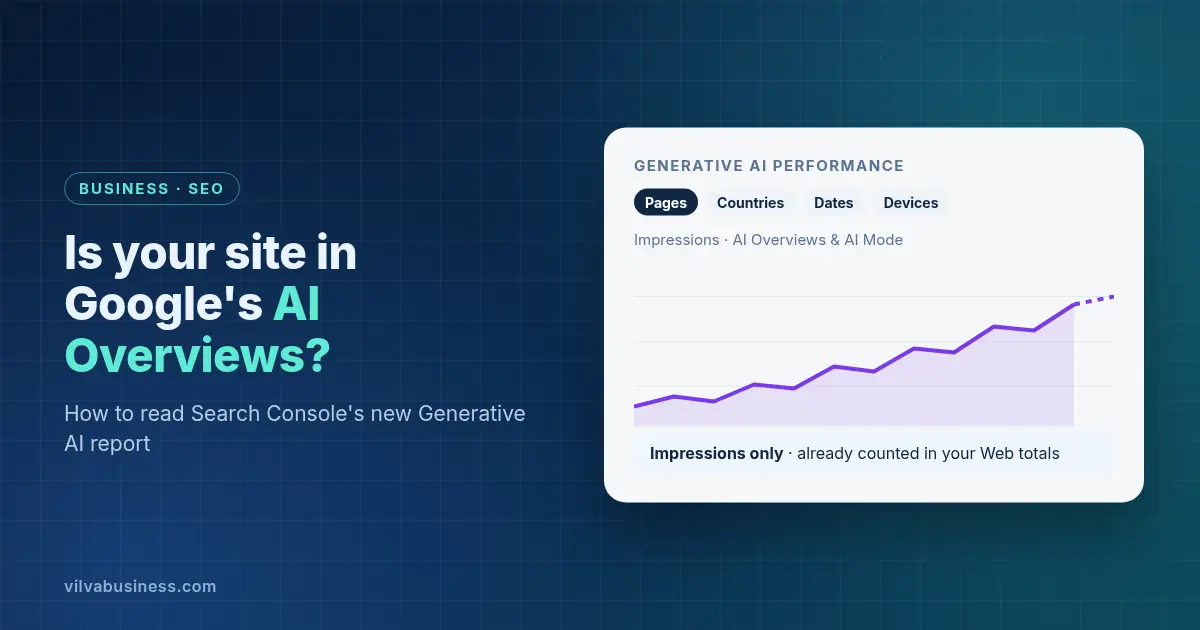
- Search Console's Generative AI report for your pages' impressions in Google's AI Overviews and AI Mode. See our guide to the Generative AI report.
- Bing Webmaster Tools' AI Performance report for citations in Copilot and Bing's AI answers.
- Total visits, leads and conversions, not only the ChatGPT line. Profound advises looking at overall visits and conversions alongside visibility and citation trends.
- Ask people. Add a "How did you hear about us?" question to enquiry forms and WhatsApp chats, with "ChatGPT or another AI tool" as an option.
Step 5: Tag your own WhatsApp and campaign links
Links you send in WhatsApp broadcasts, SMS or PDFs often arrive without a referrer, so they can land in Direct, the same bucket where untagged AI visits end up. If you tag your own links, Direct gets smaller and what's left is easier to read.
Use Google's three main UTM parameters on every link you send (URL builders), in lowercase, because "Parameter values are case sensitive". For example:
https://www.example.com/diwali-offers?utm_source=whatsapp&utm_medium=social&utm_campaign=diwali_2026
GA4 counts a medium of "social" as Organic Social (Default channel group). Pick one source and one medium for each channel, and use them every time.
How does this compare with Search Console's Generative AI report?
They measure different things, so read them together:
| GA4 AI Assistant channel | Search Console Generative AI report | |
|---|---|---|
| Covers | Visits from recognised AI assistants such as ChatGPT and Gemini | Google's AI Overviews and AI Mode |
| Measures | Sessions, engagement and key events on your site | Impressions only |
| Google's AI Overviews and AI Mode clicks | Not included. They count as Organic Search | Impressions shown here. Clicks are in the Performance report |
So a full picture of AI-driven visibility needs both. Our guide to Search Console's Generative AI report explains how to read the Google side.
From our experience
We're seeing Direct visits rise too. Reporting AI traffic is genuinely hard right now, so we don't rely on the ChatGPT line in GA4 alone: we combine other signals and tools to get a clearer picture. Our team asks "How did you hear about us?" on every lead call. Our WhatsApp chatbot set-up in Vilva Chat doesn't ask that question yet.
What should you tell clients or your boss?
A short version you can reuse:
- What happened: since about 9 October, many ChatGPT links arrive without a tracking tag or referrer, so those visits show as Direct.
- What it means: the ChatGPT number in GA4 now undercounts. It isn't evidence that AI traffic fell.
- What we're doing: we've annotated the date, we're watching Direct on deep pages, and we're adding Search Console, Bing and lead data to the report.
Profound's advice is not to change strategy because the ChatGPT referral number alone fell. For getting cited in the first place, see our guides to generative engine optimisation (GEO) in India and answer engine optimisation (AEO). For the wider measurement picture, see how to measure if your digital marketing is working.
How Vilva Business can help
Vilva Business (Vilva Networks), Chennai offers analytics and reporting as part of its digital marketing services. We can set up the annotations, channel groups and UTM conventions above in your GA4 property, and add Search Console, Bing and lead data to your monthly report. If you send WhatsApp campaigns through Vilva Chat, our WhatsApp Business API platform, we can help you tag the links in your templates. Deeper analytics in our GrowthOS platform is still in development. No tool, including ours, can recover source information that ChatGPT didn't pass on.
FAQ
Did ChatGPT stop sending UTM tags?
On many links, yes, since about 9 October 2026. Search Engine Roundtable and Profound both reported on 14 October that many ChatGPT links now arrive without utm_source=chatgpt.com, and often without a referrer. OpenAI hasn't commented, so it isn't known whether this is intentional or will be reversed.
Why is my Direct traffic up?
If you get visitors from ChatGPT, some of them may now be counted as Direct. GA4 files a visit as Direct when neither a referrer nor a UTM tag arrives. Adobe's Cedric Huesler reported Direct rising on the same pages where ChatGPT visits fell after 9 October. Check whether the rise is on deep pages that people rarely type in.
Did my ChatGPT traffic really drop?
Not necessarily. A fall in the ChatGPT line in GA4 since about 9 October may be a tracking change, not fewer visitors. Profound says people are still clicking through from ChatGPT, but the information that credits ChatGPT is missing on many links. Look at total visits, leads and conversions before drawing conclusions.
Can I get the missing ChatGPT data back?
No. GA4 can't regroup visits that arrived with no referrer or tag, because it never recorded where they came from. Profound also notes that even if OpenAI restores the tags, that won't recover the missing history. Annotate the date so future comparisons make sense.
Does GA4 still have a channel for AI traffic?
Yes. Since 13 May 2026, GA4's default channel group includes an AI Assistant channel for recognised AI referrers such as ChatGPT, Gemini, Deepseek, Copilot and Grok. It still works when a referrer arrives, but it can't count visits that arrive with no referrer or tag.
Are clicks from Google's AI Overviews and AI Mode affected?
No. This change is about ChatGPT's links. GA4 counts clicks from Google's AI Overviews and AI Mode as Organic Search, not AI Assistant. To see how often your pages appear in those features, use the Generative AI report in Google Search Console.
Want your AI traffic reported properly? Vilva Business (Vilva Networks), Chennai can annotate the change, set up AI channel groups and UTM tagging in your GA4, and add Search Console, Bing and lead data to your monthly report. Book a demo.
Figures are Adobe's and Profound's own samples as reported on 14 Oct 2026, mostly not India-specific. OpenAI hasn't confirmed the change. GA4 menus and channel definitions are as described on Google's Analytics Help pages, and Google may change them.
.webp)
.webp)
.webp)
.webp)
.webp)
.webp)
.webp)
.webp)

.webp)
.webp)
.webp)
.webp)
.webp)