What does Google's AI say when customers search your business name? A 10-minute check for Indian businesses
Last updated: 8 Oct 2026, 11:55 PM IST
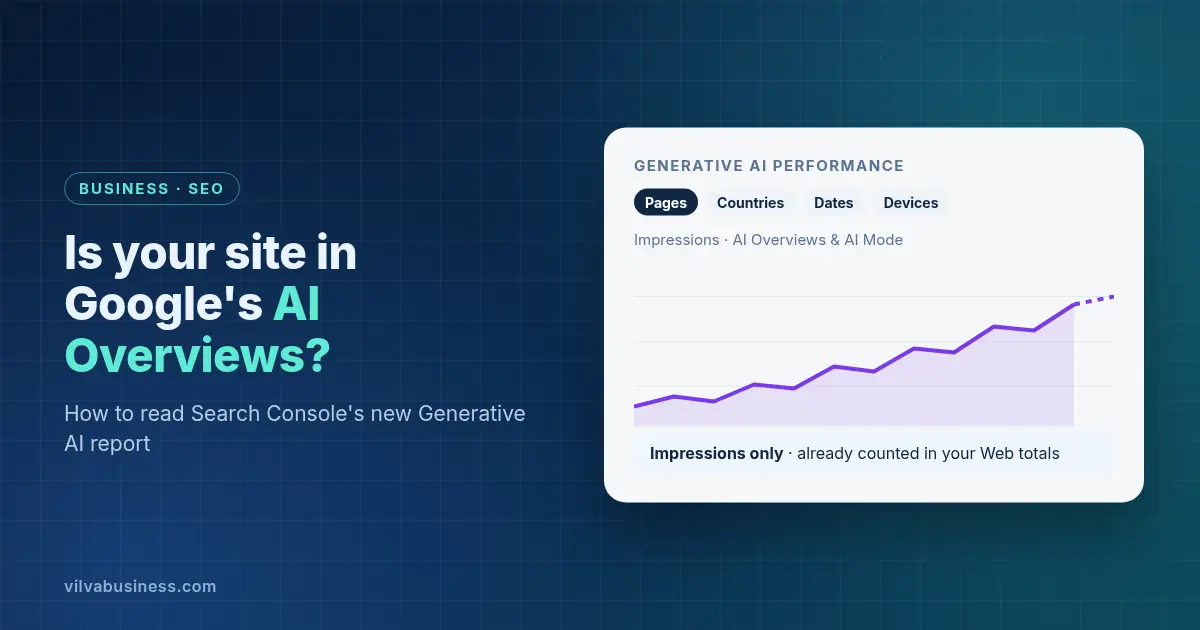
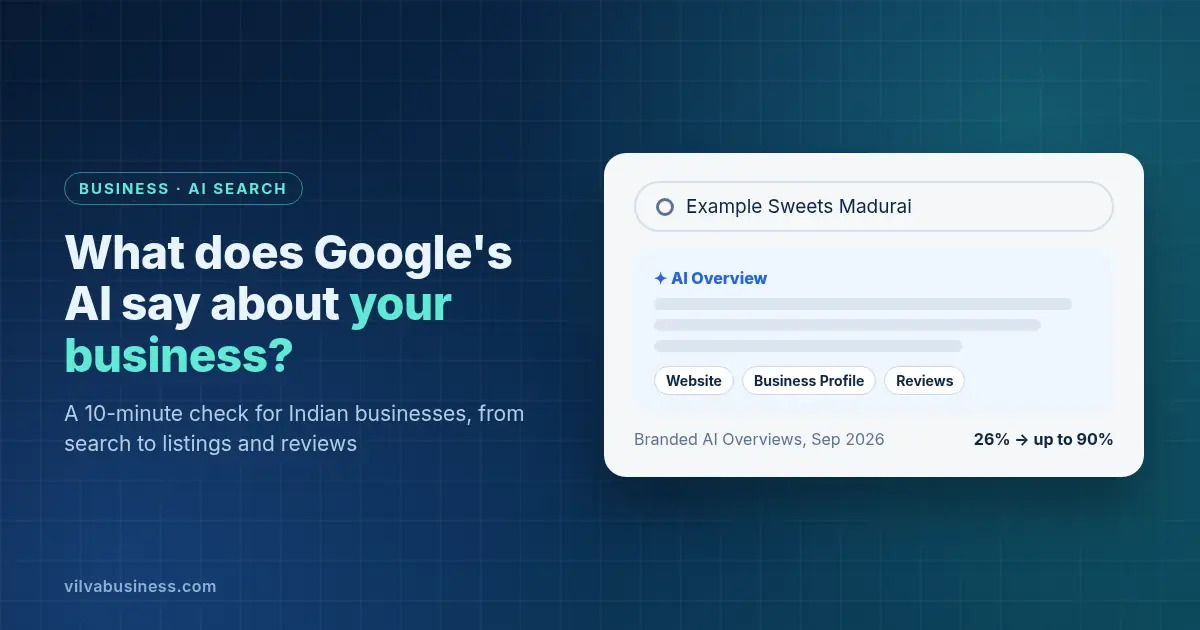
Short answer: More and more often, an AI Overview. One tracker saw AI Overviews on 26% of branded searches on 1 September 2026, rising to as high as 90% in late September. To check yours, search your business name in Google, AI Mode and ChatGPT, then tidy your listings, homepage title and description, product pages and reviews.
Your business name used to be the one search you could count on. Someone typed it, your website came up, they clicked. Now Google often writes its own summary of your business first, using whatever it finds on the web. That summary might get your phone number, your services or your opening hours wrong, and you won't know unless you look.
Why does Google show an AI answer when someone searches your business name?
Because Google started showing AI Overviews on far more brand searches in September 2026, without announcing it.
DemandSphere, a search-tracking company, measured the share of the branded keywords it tracks that returned an AI Overview each day (published 1 October 2026):
| Date (2026) | Branded searches showing an AI Overview |
|---|---|
| 1 September | 26.12% |
| 18 September | 57.43% (back to 31.15% the next day) |
| 26 September | 69.21% |
| 27 September | 90.48% |
| 29 September | 82.06% |
So it was as high as 90% in late September and more than 80% at the end of the month. Search Engine Land (1 October 2026) also reported that Nectiv's Chris Long found AI Overviews for 93 of the 100 enterprise brands he tested.
Four things to keep in mind:
- Google hasn't announced anything. DemandSphere says "Google has not made any announcements on this change", so the rate could still move.
- An Overview doesn't mean you're quoted. DemandSphere counted an AI Overview "regardless of whether brand itself is cited in the AIO".
- It isn't India-only data. DemandSphere's numbers cover "all markets, all devices", without a country breakdown.
- The effect on clicks is unknown. Search Engine Land notes that neither dataset measured clicks, so nobody yet knows how much this changes branded click-through.
AI Overviews are available in India, and Google's list of supported languages includes Hindi, Tamil and other Indian languages (Google's AI Overviews help page). Google also says users can't switch them off: "AI Overviews are a core Google Search feature, like knowledge panels. Features cannot be turned off."
What is Google testing for brand searches in AI Mode?
A website panel shown before the AI answer. On 7 October 2026, Search Engine Watch reported that Google is testing a panel for brand searches in AI Mode. It shows "the website's title, description, and favicon, followed by sitelinks below the description", with a "Show more" option. It's a test, so you may not see it yet. But it tells you which parts of your website Google is putting in front of people who search your name.
Where does Google's AI get its information about your business?
From pages Google has indexed, and it links to them. Google's guide, AI features and your website, says AI Overviews and AI Mode "surface relevant links", and that to appear as a supporting link "a page must be indexed and eligible to be shown in Google Search with a snippet". For a business name, those pages can include your website, your Google Business Profile, directories and review sites, and news or blog posts about you.
Google also says there's no special trick: "There are no additional requirements to appear in AI Overviews or AI Mode, nor other special optimizations necessary." Its list of SEO basics includes "Checking that your Merchant Center and Business Profile information is up-to-date." You don't need new AI files either: "You don't need to create new machine readable files, AI text files, or markup to appear in these features."
So the fix isn't a new tool. It's making sure everything the web says about you is correct and consistent.
How do you run the 10-minute check?
Five steps. The check itself takes about 10 minutes. Fixing what you find takes longer, and you can spread it over a few weeks. We'll use a made-up example: Example Sweets, a sweet shop in Madurai.
Step 1: Search your business name in Google, AI Mode and ChatGPT
Open a private or incognito window and search for your business name, then your name plus your city ("Example Sweets Madurai"), and your name plus "reviews". Do the same in Google's AI Mode and in ChatGPT. Note down:
- Does an AI Overview appear? Is it correct about what you sell, where you are, your phone number and your hours?
- Which websites does it link to? Your own site, your Google Business Profile, a directory, an old news story?
- Does anything look outdated, such as an old address, a closed branch or a discontinued product?
Take screenshots so you can compare next month. If Google's AI gets something wrong, use the thumbs-down icon under the Overview and choose "Report a problem", as Google's help page describes. Then fix the source page it relied on.
Step 2: Make your name, address and phone match on Google Business Profile, Justdial and Clutch
Open your Google Business Profile, your Justdial listing, Clutch if you sell business services, and any other directory you're on. Check that your business name, address and phone number are written exactly the same way everywhere, and the same as on your website. Use one phone number, one spelling of the name and one address format.
If Example Sweets shows "Example Sweets & Bakery" with an old landline on Justdial, but "Example Sweets" with a mobile number on Google, AI answers can pick up either. Fix the odd ones out. Our guide to ranking your business on Google Maps in Tamil Nadu covers Business Profile setup in more detail.
Step 3: Treat your homepage title and meta description as your panel copy
The AI Mode panel in testing shows your website's title and description, and normal search results do too. Read your homepage's title tag and meta description as if they were the only thing a customer will read about you. Do they say who you are, what you sell and where?
Google decides the final wording. It uses "Content in </code> elements" and other on-page text for <a href="https://developers.google.com/search/docs/appearance/title-link" target="_blank">title links</a>, and uses the meta description "when it describes the page better than other parts of the content" for <a href="https://developers.google.com/search/docs/appearance/snippet" target="_blank">snippets</a>. A clear, accurate title and description give it good material. Something like "Example Sweets, Madurai: Traditional Sweets and Snacks Since 1998" works better than "Home".</p>
<h3>Step 4: Give each product or service a clear page that can earn a sitelink</h3>
<p>Sitelinks are the extra links under your main result. They appear in the panel being tested too. Google says "sitelinks are automated", and gives three best practices on its <a href="https://developers.google.com/search/docs/appearance/sitelinks" target="_blank">sitelinks page</a>: use page titles and headings that are "informative, relevant, and compact"; create "a logical site structure"; and "link to your important pages from other relevant pages."</p>
<p>In practice, give each main product, service or branch its own page with a clear title (for example, "Diwali Gift Boxes" or "Corporate Orders"), and link to those pages from your homepage menu.</p>
<h3>Step 5: Collect reviews on sites you don't own</h3>
<p>Reviews on Google, and on directories relevant to your trade, are among the places AI answers can draw on for what customers think of you. Ask happy customers to review you. A direct review link or QR code makes it easy: Google suggests you "ask customers to visit a Google link or scan a QR code" (<a href="https://support.google.com/business/answer/3474122?hl=en" target="_blank">Google Business Profile Help</a>). Our free <a href="https://www.vilvabusiness.com/google-review-link-generator" target="_blank">Google review link generator</a> creates the link from your Google Maps URL or Place ID.</p>
<p>Never pay or reward people for reviews. Google's <a href="https://support.google.com/contributionpolicy/answer/7400114?hl=en" target="_blank">Maps content policy</a> bans offering "incentives – such as payment, discounts, free goods and/or services – in exchange for posting any review", and removes those reviews. Reply to reviews, including the negative ones.</p>
<h2>Should you also check ChatGPT and other AI assistants?</h2>
<p>Yes, as part of Step 1, because customers ask them about businesses too. The same groundwork helps: correct listings, a clear website and genuine reviews. For how assistants like ChatGPT and Perplexity choose what to cite, see our guide to <a href="https://www.vilvabusiness.com/blog/generative-engine-optimisation-geo-india-chatgpt-perplexity" target="_blank">generative engine optimisation (GEO) in India</a>.</p>
<h2>FAQ</h2>
<h3>Why does Google show an AI answer when I search my business name?</h3>
<p>Google began showing AI Overviews on many more brand searches in September 2026. DemandSphere's tracking rose from 26% of branded searches on 1 September to as high as 90% in late September, and was above 80% at the month's end. Google hasn't announced the change.</p>
<h3>How do I check what Google's AI says about my business?</h3>
<p>Search your business name, your name plus your city, and your name plus reviews in a private window. Check any AI Overview for errors, note which sites it links to, and repeat in AI Mode and ChatGPT. Take screenshots so you can compare each month.</p>
<h3>What can I do if Google's AI Overview is wrong about my business?</h3>
<p>Use the thumbs-down icon under the AI Overview and choose Report a problem. Then fix the source: update your Google Business Profile, correct directory listings, and make sure your website states the right details clearly. AI answers draw on pages Google has indexed.</p>
<h3>Can I stop Google from showing an AI Overview for my business name?</h3>
<p>Not as a user, because Google says AI Overviews can't be turned off. A site owner can exclude their site from Google's AI features in Search Console, but Google says content from other sites will still appear there. That usually leaves others describing your business.</p>
<h3>Do I need an llms.txt file or special schema for AI Overviews?</h3>
<p>No. Google says there are no additional requirements to appear in AI Overviews or AI Mode, and that you don't need new machine-readable files, AI text files or special schema markup. Correct, consistent information and normal SEO basics matter more.</p>
<h3>How often should I check what AI says about my business?</h3>
<p>Once a month is a sensible routine, and again whenever you change your address, phone number, prices or main services. Google's AI features are changing quickly, and the share of brand searches showing AI Overviews moved sharply within days in September 2026.</p>
<p><strong>Book a free AI brand-answer check.</strong> Vilva Business (Vilva Networks), Chennai will search your business name the way your customers do, and show you what Google's AI says and what to fix first. <a href="https://www.vilvabusiness.com/book-demo" target="_blank">Book your check</a>.</p>
.webp)
.webp)
.webp)
.webp)
.webp)
.webp)
.webp)
.webp)

.webp)
.webp)
.webp)
.webp)
.webp)